
ParentVue has a new app!!!
Posted Date: 08/10/26 (12:00 PM)
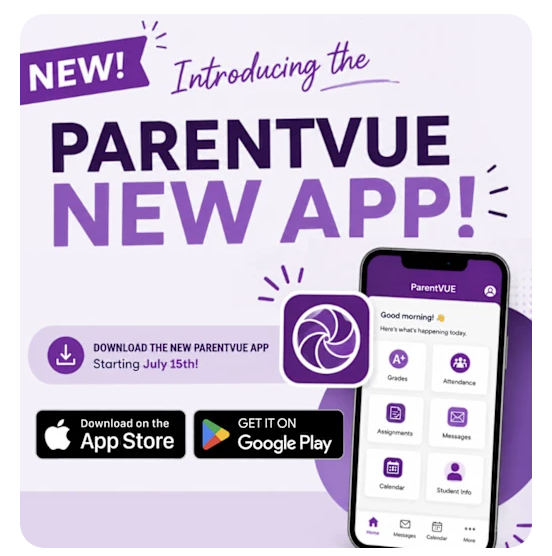
ParentVUE is a secure app/website parents can use to check their kids' real-time grades, assignments, attendance, and schedules.
If you are using the existing app, you will be instructed to download the new version.
- Download ParentVUE (New) from the Apple App Store or Google Play Store.
- Open the app. Swipe left to find your school district's server.
- Enter your postal zip code. Then, select your district from the list.
- Confirm that your school district is correct when asked.
Logging In or Activating
- Existing Users: Select Already Activated. Then, enter your current username and password. If you forgot your password, use the "forgot password" option.
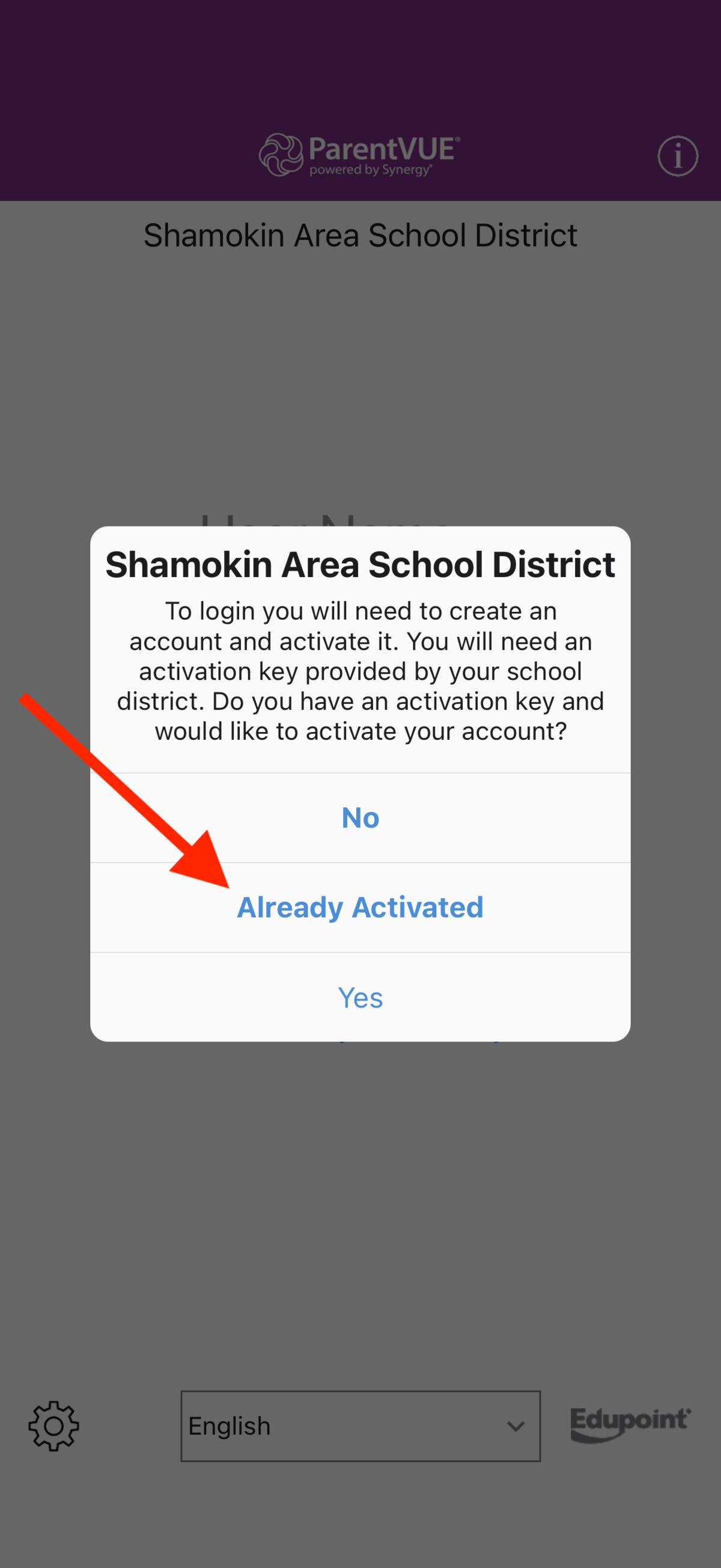
- New Users: Select the option to use an activation key. Accept the privacy statement. Then, enter your name and the activation key that the school gave you.
- If you do not have an activation key, contact your school's main office directly to ask for one.